


Apple has approved a third-party driver that lets Apple Silicon Macs connect to external graphics processors, a move that could change how many people run AI on a Mac. TechRadar Pro reported on Saturday that Apple signed off on the TinyGPU driver, clearing the way for Mac Mini owners and other Apple Silicon users to plug in an external GPU (eGPU) and accelerate demanding AI workloads. The shift breaks a long-standing limitation on Apple’s newer chips and offers a lower?cost path to more compute without buying a Mac Studio or Mac Pro. If the rollout holds, it could bring desktop?class AI performance to thousands of compact Macs sitting on desks in homes, schools, and small businesses, without sending sensitive data to the cloud.
The approval surfaced on Saturday, April 11, 2026, according to TechRadar Pro. Apple, based in Cupertino, did not issue a public statement, but its approval enables the TinyGPU driver to run on macOS, making the change available to users wherever they can download and install it.
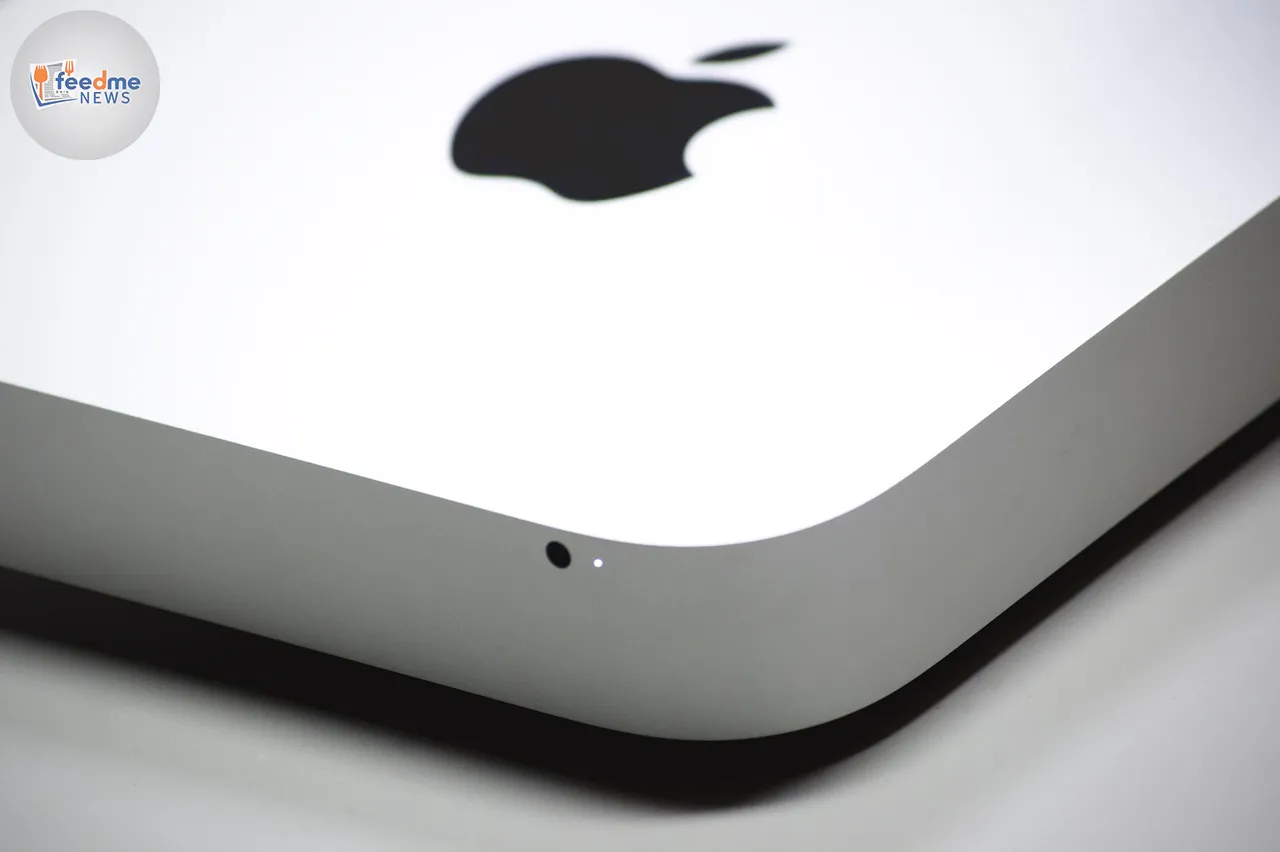
What Apple’s approval means for everyday Mac users
In practical terms, Apple’s green light for TinyGPU opens a path to hardware that many Mac users already know: eGPU enclosures that connect over Thunderbolt. By offloading AI inference and some training tasks to a powerful external card, a base Mac Mini can leap from light, on?device AI to much heavier models. Thunderbolt 3 and 4 support up to 40 gigabits per second, enough to feed many AI tasks without dragging the system to a halt.
For creators, students, and developers, that bandwidth can translate into faster model runs, quicker video effects, and reduced waiting time on data processing. Many teams that leaned on costly cloud instances for speed may now run more of their workloads locally. That can lower monthly bills and help teams keep proprietary data on machines they control, a key concern as companies weigh privacy and compliance risks in AI-heavy projects.
A break from Apple’s eGPU stance since the Intel era
Apple last embraced eGPUs during the Intel Mac era. In 2018, macOS updates added official support for external AMD graphics over Thunderbolt on Intel laptops and desktops. When Apple moved to its own M?series chips, that support did not carry over. Users who jumped to Apple Silicon traded stronger battery life and integrated graphics for the loss of plug?in GPU flexibility.
Saturday’s approval marks a notable change. It does not rewrite Apple’s silicon roadmap, but it does reopen a door many thought shut for good. For those who waited on the sidelines with older Intel Macs mainly to keep eGPU workflows alive, the TinyGPU news offers a reason to consider moving to newer hardware without surrendering external graphics acceleration.
How eGPUs could accelerate on?device AI
AI workloads come in many shapes. Some tasks, like running medium?size language models or upscaling images, fit well on a single high?end GPU. Others, like training very large models, still demand clusters. For on?device AI, the leap from integrated graphics to a desktop?class external GPU can be dramatic. Offloading compute lets the Mac’s CPU and built?in graphics handle the interface and background tasks while the eGPU grinds through tensors.
Developers will watch how well popular toolchains tap an external GPU through TinyGPU. Many macOS AI apps use Apple’s Metal API and Core ML. Well?tuned apps can route more work to an attached GPU, but bandwidth still shapes results. With a 40 Gbps ceiling on Thunderbolt 4 and protocol overhead on top, the external link behaves more like a PCIe x4 lane than a full internal slot. That still suits many inference tasks, but users should not expect miracles on the largest models.
Compatibility questions still to answer
Key details remain unclear. TechRadar Pro reports Apple approved the TinyGPU driver, but broader questions about supported macOS versions, specific Apple Silicon models, and which GPU brands or enclosures work best will matter in day?to?day use. Historically, macOS eGPU setups centered on AMD cards in certified Thunderbolt enclosures. Users considering a purchase should check the driver’s compatibility list, power needs, and enclosure firmware notes before they spend.
Physical setup also plays a role in performance. Enclosures vary widely in power delivery and cooling. A GPU that draws more watts than the enclosure can provide will throttle under load. Cable quality can limit bandwidth and cause disconnects. For stable AI runs, buyers should match the GPU’s power draw to the enclosure’s rated output and use a certified 40 Gbps Thunderbolt cable. These baseline checks often separate smooth upgrades from frustrating bottlenecks.
Security and management: what IT teams should watch
Apple tightened driver security in recent macOS releases, moving developers from legacy kernel extensions to more contained system extensions and DriverKit. Any third?party driver needs signing and approval, which lowers the risk of low?level system compromise. Even so, IT admins in schools and enterprises should evaluate TinyGPU the same way they test any new driver: verify vendor signing, review version history, and stage rollouts with device management policies and clear rollback plans.
On the data side, eGPUs support a growing push toward on?device AI. Running models locally can reduce exposure to cloud breaches and lower the compliance burden tied to cross?border data flows. For regulated fields like healthcare, law, and finance, moving inference to a controlled device can help teams meet data protection goals. Admins should still set policies for model files, training data, and logs, and they should monitor how new AI apps access storage and networks once they accelerate.
A ripple effect on Apple’s pro hardware market
Apple’s pro desktop range sells on internal performance and simplicity. eGPU support on Apple Silicon complicates that pitch. With a capable eGPU, a Mac Mini or MacBook can close much of the gap to pricier desktops on targeted AI tasks. That could nudge some buyers to pair a modest Mac with a serious external card instead of stepping up to a Mac Studio.
Yet eGPUs are not a cure?all. The internal bandwidth and thermal headroom of an all?in?one pro desktop still matter for sustained, mixed workloads. Apple also continues to invest in its own silicon, blending faster integrated GPUs with neural accelerators. The TinyGPU approval widens the options for users who prize flexibility. It does not erase the case for high?end Macs where every internal lane and fan stays tuned for peak, all?day loads.
What to expect next: testing, tools, and real?world results
Over the coming weeks, the most important signals will come from testing. Developers will publish benchmarks showing speed?ups on common AI tasks and popular models. Tool makers will push updates that let users choose an eGPU or split work between internal and external accelerators. If results look strong, expect a rush of guides mapping known?good enclosures, power bricks, and GPUs.
Watch for signs of official follow?through as well. If Apple documents eGPU support for Apple Silicon in release notes or developer pages, that will give IT teams and buyers more confidence to standardize on this approach. If support stays limited to a narrow driver path, adoption may concentrate among power users who accept extra setup steps. Either way, the door now stands open for faster, local AI on compact Macs.
Apple’s approval of the TinyGPU driver signals a practical shift: Apple Silicon Macs can now tap external graphics for real AI gains. For many, that means a cheaper route to performance, fewer hours on rented cloud servers, and more control over sensitive data. The impact will depend on compatibility, stability, and how well tools integrate with the new path. If tests confirm solid gains across common models and workflows, eGPUs could become a standard upgrade for Mac Mini owners and mobile pros. If not, they will still offer a targeted boost where Thunderbolt bandwidth and thermals line up. Either way, Mac users now have a new option to meet the rising compute demands of on?device AI.